%20(500%20x%20162%20px)(1).png)
CLI
Introduction

EJBCA Command Line Interface (CLI)
Slide Deck: EJBCA CLI
Overview: This module takes a look at the (2) tool-kits that are provided with EJBCA;
EJBCA Client Toolbox and
EJBCA Command line interface (CLI)
Each toolkit has specific purposes and functionality. The tools do not overlap!
/opt/clientToolBox (Client toolbox) - It can be easily copied off and used on a different server or can be used locally, and allows you to perform tasks such as:
stress tests with EJBCA,
test the database connection
perform WebService calls, such as creating/revoking an End entity - among other functions. We’ll be using some of the commands in this toolkit to give you an idea of its capabilities.
/opt/ejbca/bin (EJBCA CLI) - contains the second toolkit, that can be used to interface with EJBCA using a terminal session. You may also use the commands interactively, or if you like, create a script to run repetitive tasks. Some tasks that can be performed with the CLI include:
managing crypto tokens,
managing EJBCA roles,
and managing CA’s among other functions.
Slide Reference
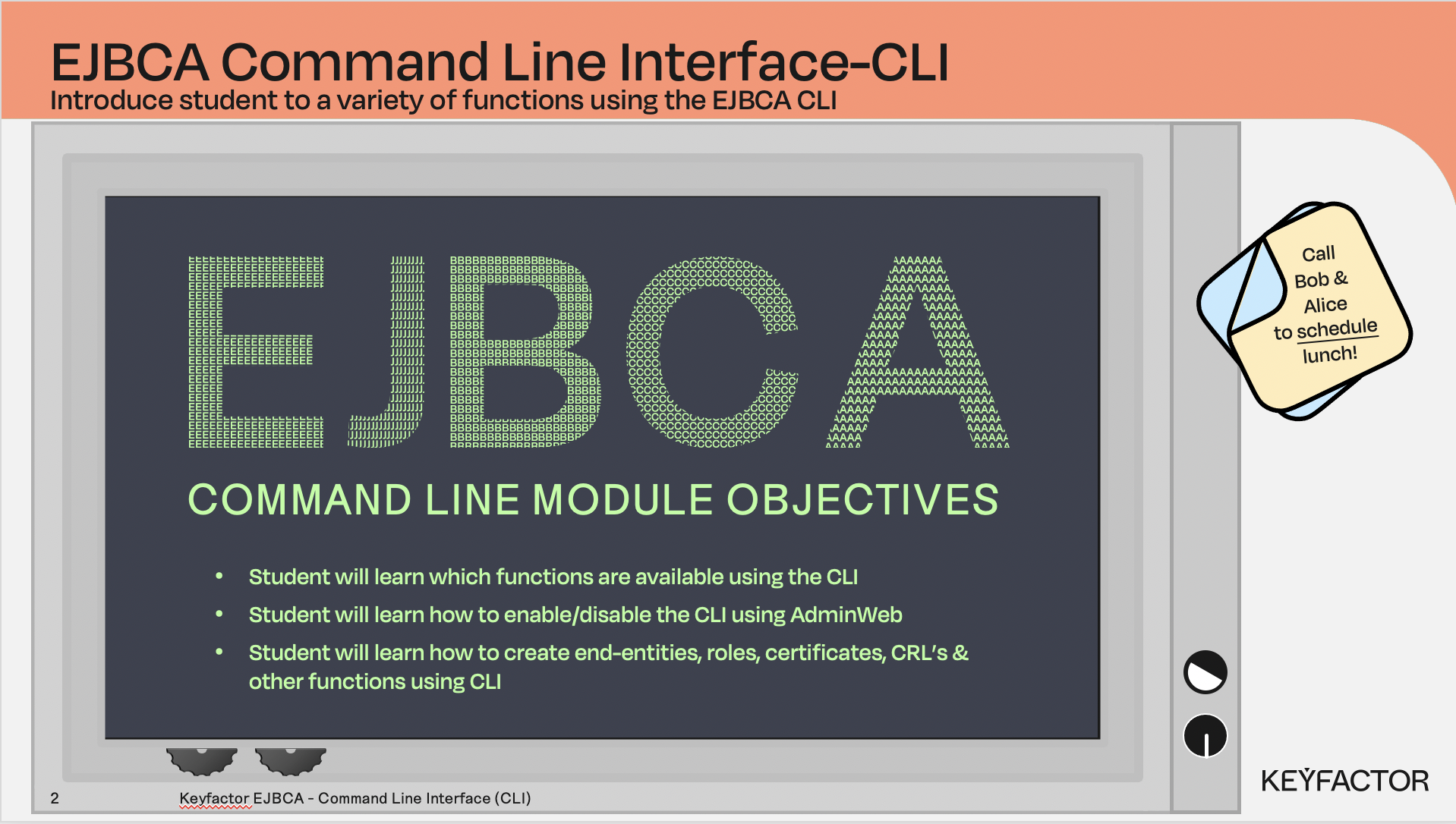
Learn more about scripting using the EJBCA CLI
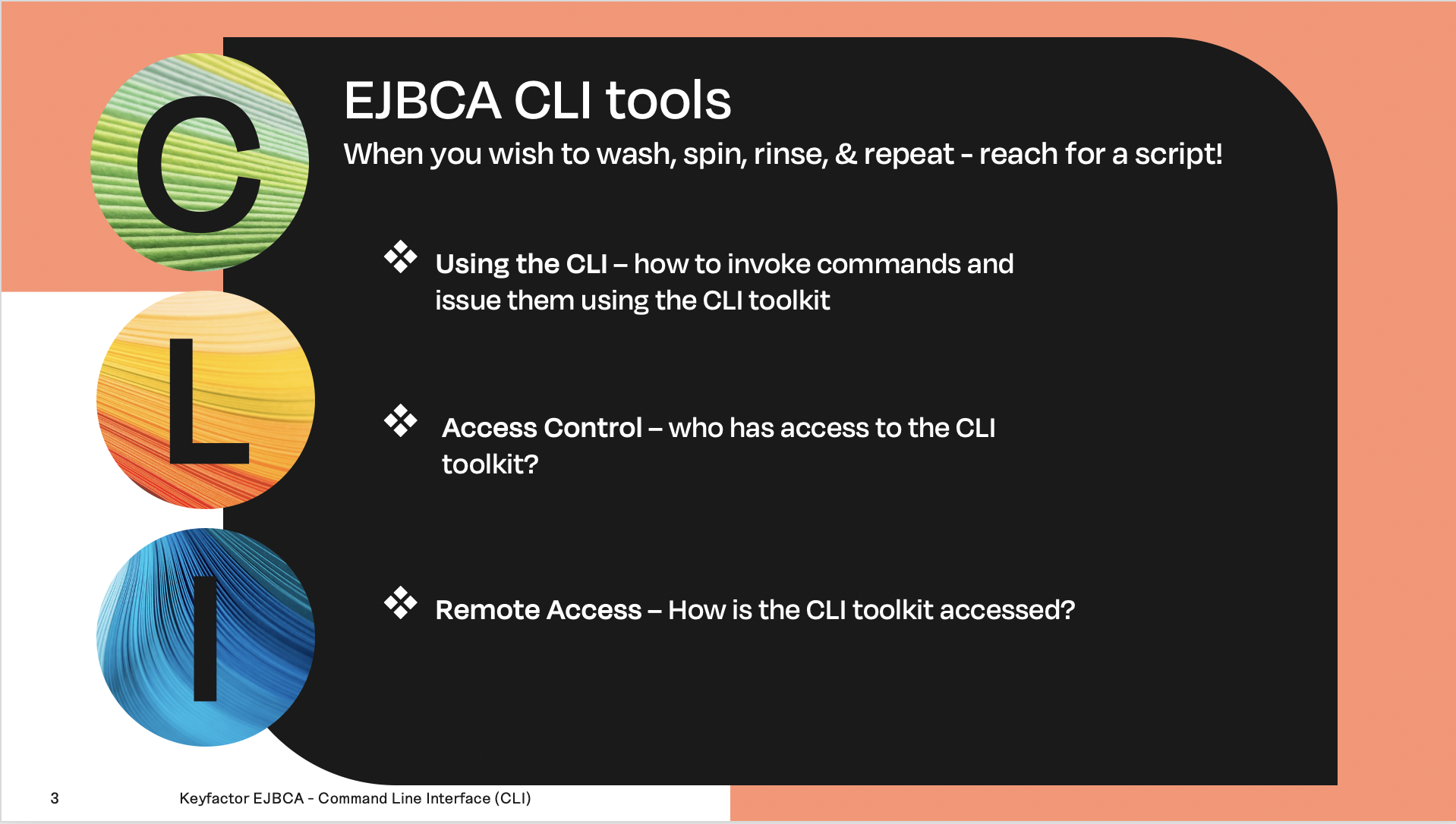
Learn which commands can be run and how to access them
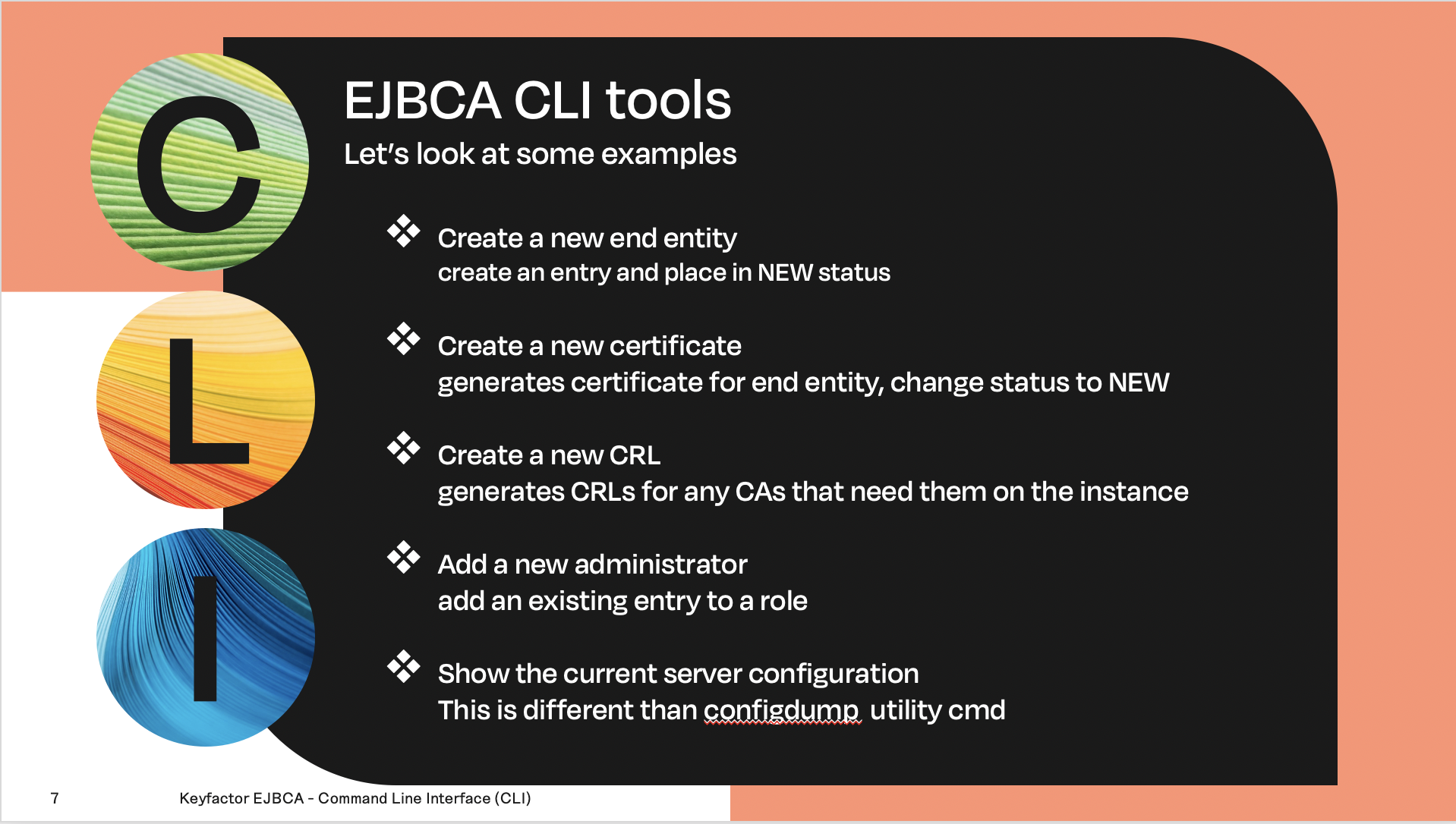
Get familiar with commands provided with EJBCA CLI